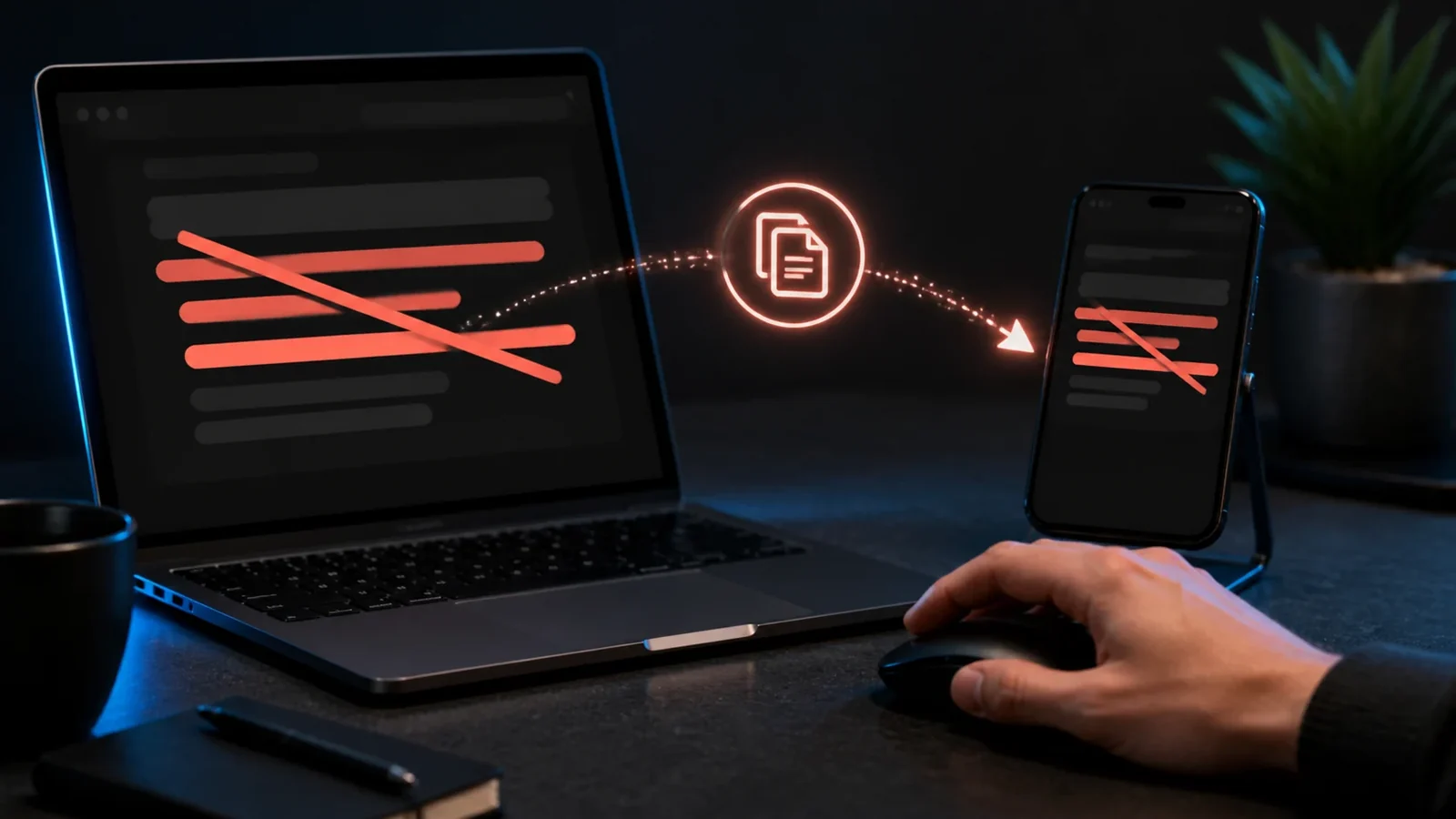
Why you see boxes
Boxes, sometimes called tofu, appear when a font has no glyph for a character. With strikethrough, it means the font cannot draw the combining mark. The text data is correct, but that particular font or app is not rendering it.
Why the line disappears
If the words paste in as normal text with no line, the destination may have stripped the combining marks, or you copied app formatting rather than Unicode. Copy the Unicode version from the generator and paste it into a standard message field to confirm.
Fixes that usually work
Update the app and your operating system so the newest fonts are available. Try a different strikethrough style, since some marks are better supported than others. Test on another device, and paste into a plain field first to rule out a picky destination.
Preventing problems
For anything important, preview the text where it will actually appear before sending. If you know the audience uses older devices, keep struck phrases short and add context so the meaning does not depend on the line being drawn.
Frequently Asked Questions
The font on that device lacks support for the combining mark. The text is fine, it just is not being drawn there.
Copy the Unicode version from the generator and paste into a standard text field. Update the app if the marks are stripped.
No. It is a display issue on the receiving side. The same text often renders perfectly on another device.
Yes. You can create and paste it on Android, iPhone, tablets, and desktop devices without installing a special font.
Yes. Unicode combining marks travel with the letters, although an older app or unsupported font may render them differently.
Use it sparingly, keep the phrase short, and provide the intended meaning in nearby plain text because screen readers may not announce the visual line.