Classic strikethrough
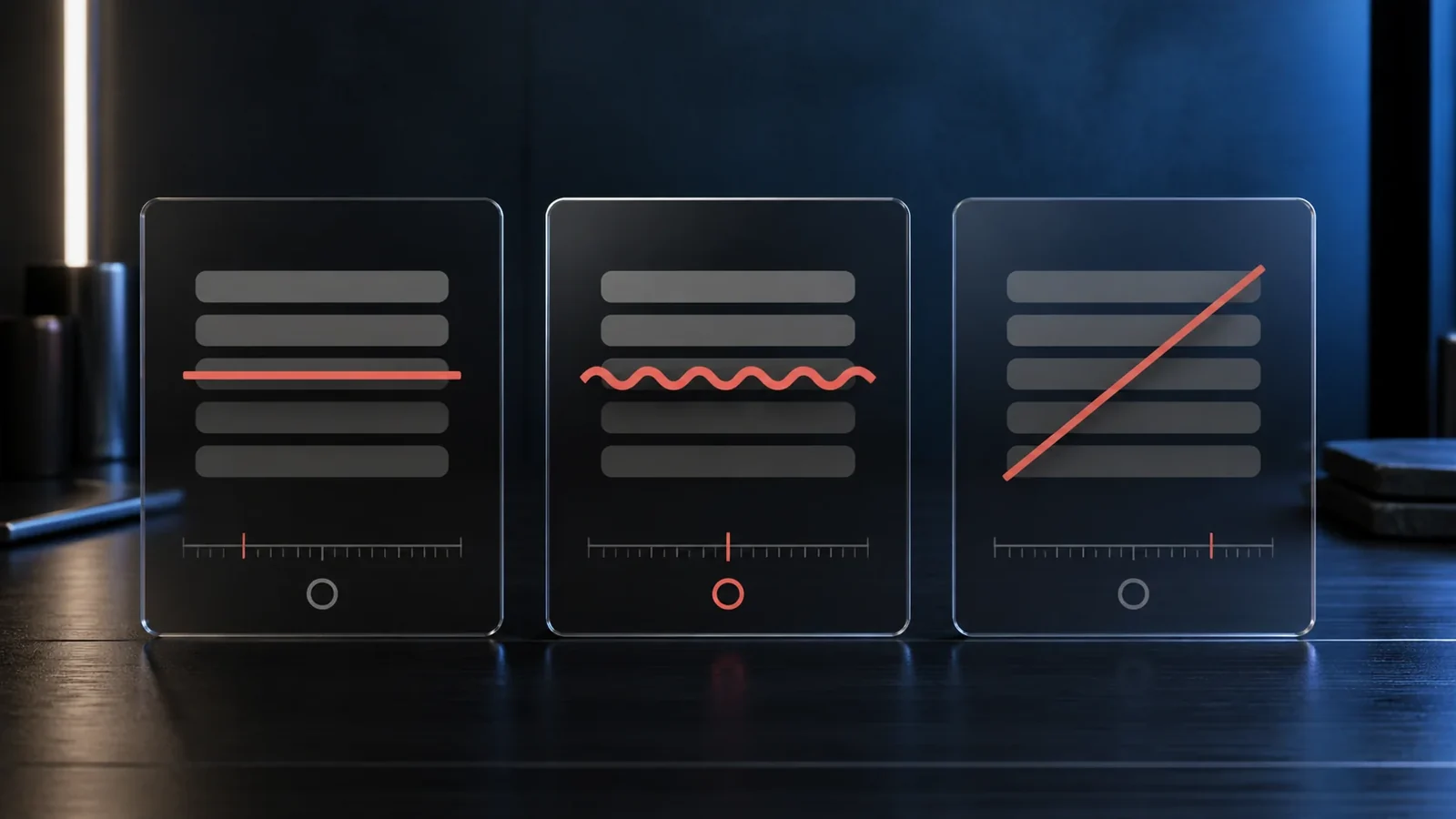
The standard strikethrough uses a long horizontal stroke, from the combining mark U+0336. It is the most familiar and the most neutral. Readers instantly recognise it as a retraction or a discount, which makes it the safe default for prices and edits.
Tilde cross out
The tilde overlay, from U+0334, lays a wavy line across each character. It feels a little more playful and informal than a straight line, which suits jokes and casual chats. It is also less common, so it stands out.
Slash through
The slash, from U+0337, draws a short diagonal rather than a full horizontal line. It reads as a lighter touch, closer to a cancellation mark than a heavy retraction. It works nicely when you want the original word to remain very legible.
Choosing between them
Pick classic strikethrough when clarity matters, the tilde when you want a relaxed tone, and the slash when you want the crossed out word to stay easy to read. The generator shows all three at once so you can compare before copying.
Frequently Asked Questions
They describe the same idea, a line through text, but the exact look depends on which combining mark is used.
The slash through tends to keep the base letters clearest, while the classic strikethrough is the most recognisable.
You can, but mixing usually looks busy. Choosing one style per message reads more cleanly.
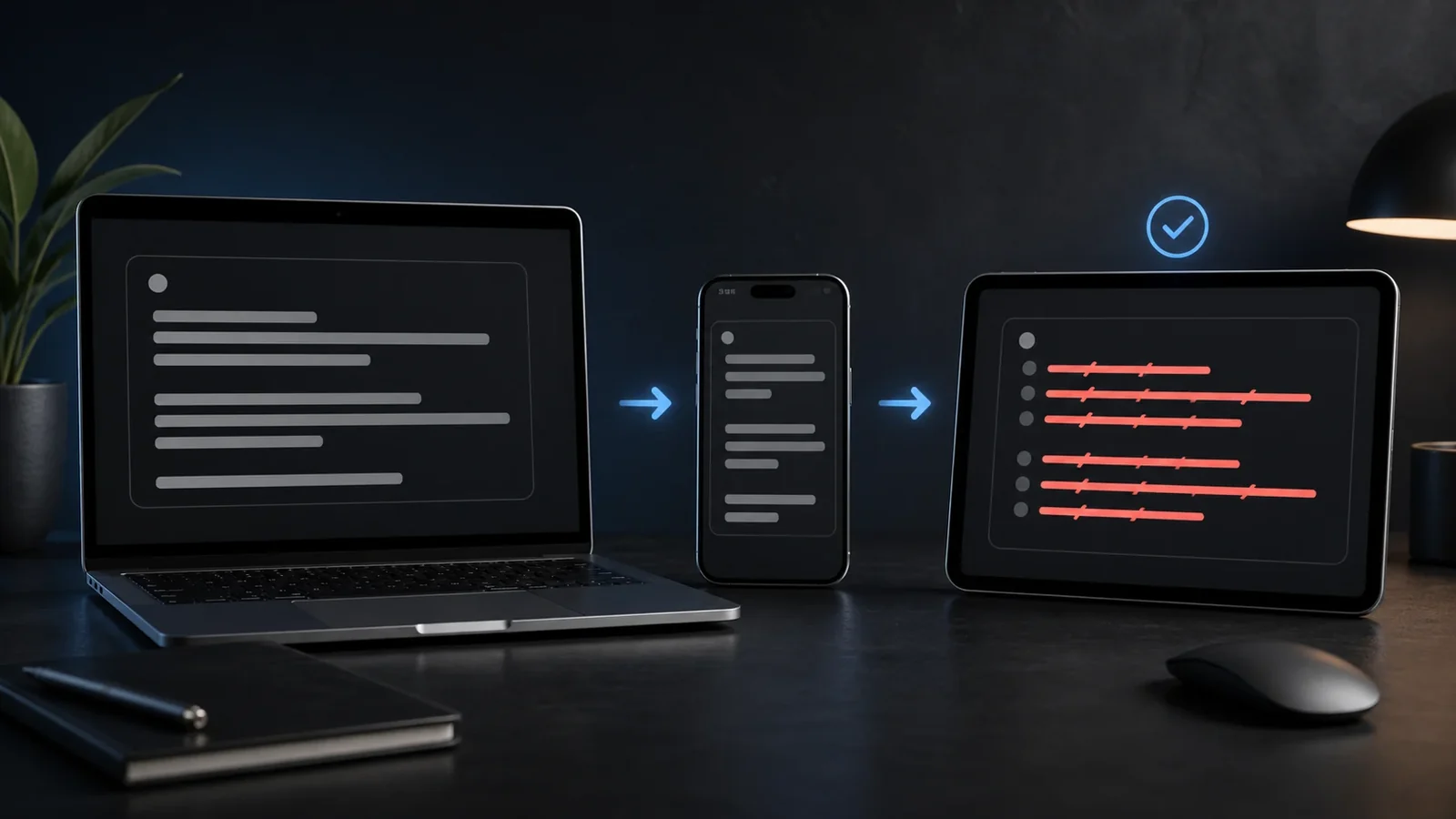
Yes. You can create and paste it on Android, iPhone, tablets, and desktop devices without installing a special font.
Yes. Unicode combining marks travel with the letters, although an older app or unsupported font may render them differently.
Use it sparingly, keep the phrase short, and provide the intended meaning in nearby plain text because screen readers may not announce the visual line.