What strikethrough text really is
Strikethrough text is any word or phrase with a horizontal line running through its middle. The line signals that the text still matters but has been retracted, replaced, or is being used for effect. In word processors it is a formatting style. In plain text environments such as social media bios, it is produced with special characters instead.
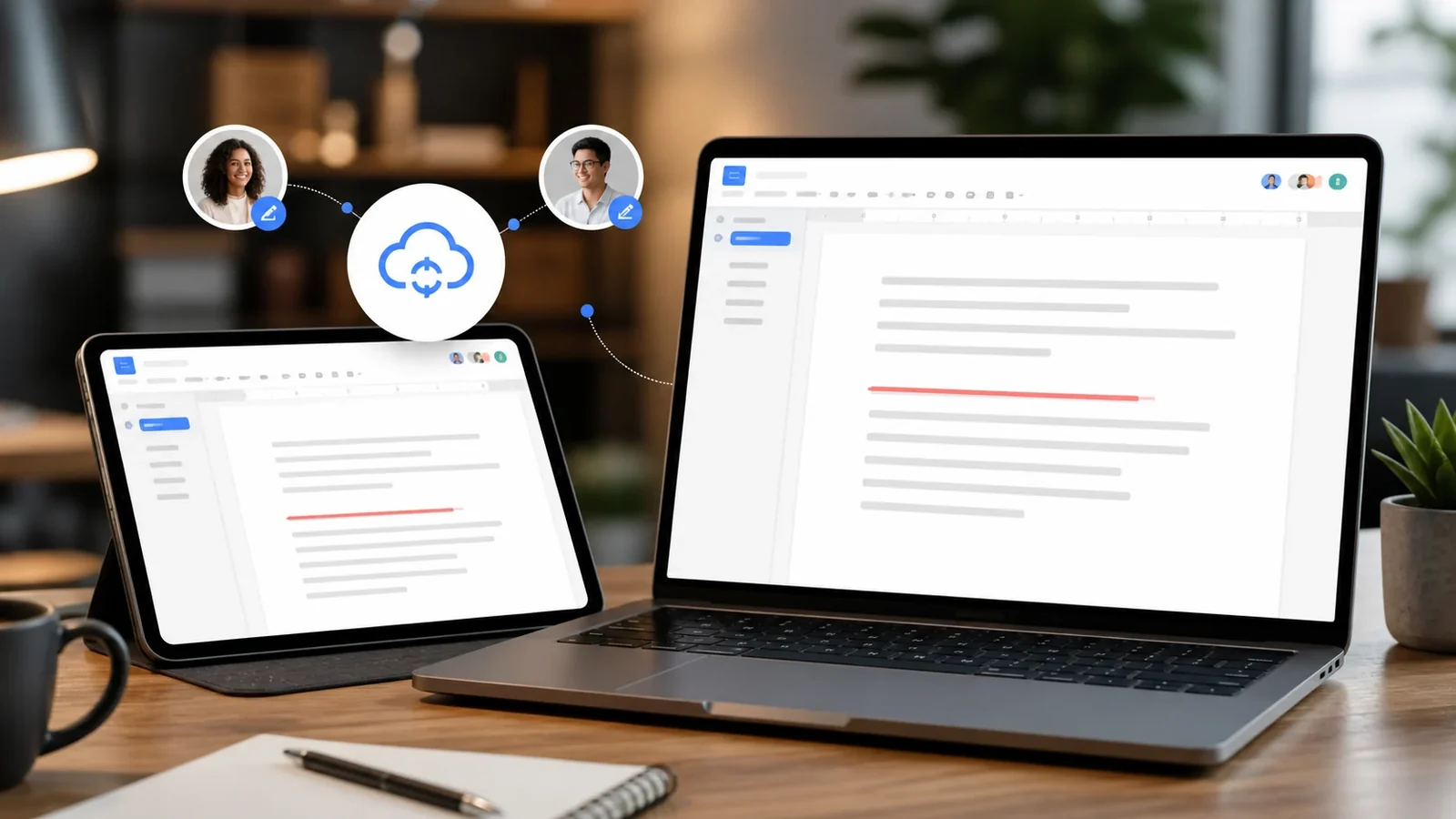
The distinction matters because a formatting style only exists inside the app that created it. When you paste that text elsewhere, the line disappears. Character based strikethrough, on the other hand, is baked into the text, so it travels with the words.
The two approaches, and when to use each
There are two honest ways to cross out text. The first is built in formatting, which lives in tools like Word, Google Docs, Slack, and Discord. It is the cleaner choice whenever the text stays inside that tool. The second is Unicode combining characters, which our generator uses, and it is the right choice for places with no formatting controls, such as an Instagram caption or an X post.
A quick rule of thumb: if the app has a strikethrough button or a known shortcut, use it. If it does not, reach for a generator.
Making strikethrough text with the generator
Using the generator on our homepage takes three steps. Type or paste your text into the box, look at the four styles it produces live, then tap copy on the one you want. The crossed out version lands on your clipboard, ready to paste.
Because the output is standard Unicode, it behaves like normal text once pasted. You can send it in a message, drop it into a bio, or add it to a document. There is no image and no link, just characters.
Built in strikethrough shortcuts
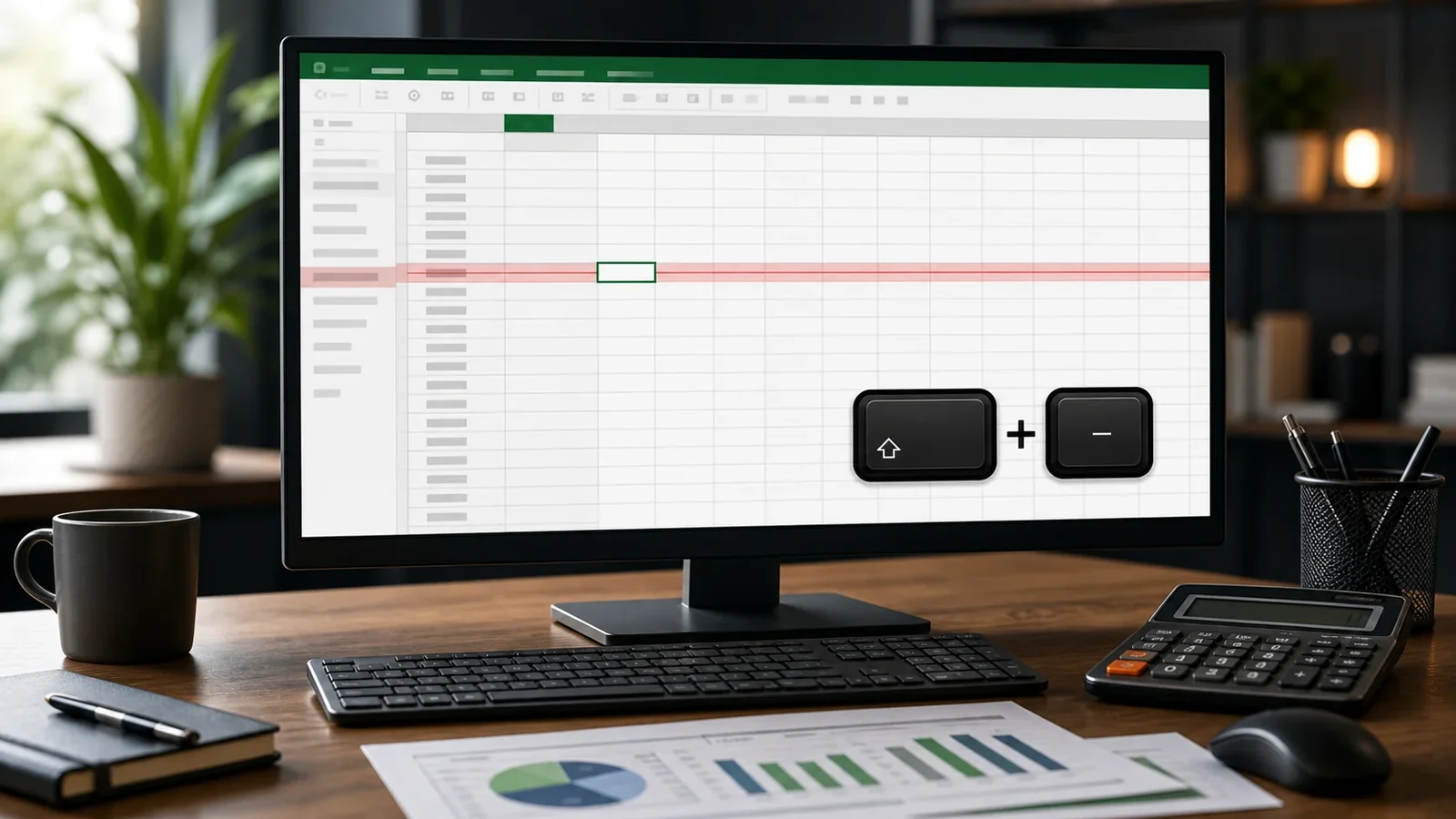
Several apps let you cross out text without any external tool. In Microsoft Word the button lives on the Home tab, with a double line option tucked into the Font dialog. Google Docs uses Format, then Text, then Strikethrough, or a keyboard shortcut. Discord and Slack both wrap text in double tildes. We cover each of these in dedicated guides linked below.
Where crossed out text works
Unicode strikethrough shows up correctly in most modern apps, including WhatsApp, Telegram, Instagram, Snapchat, Facebook, X, and countless chat clients. A small number of older systems or unusual fonts render the marks imperfectly, which looks like boxes or missing lines. That is a display quirk on the receiving device, not a fault in the text.
Using it well
Crossed out text reads best in small doses. A single struck word inside a normal sentence lands with more punch than a whole paragraph of it. It is also worth remembering that screen readers may read the underlying letters without announcing the line, so avoid relying on strikethrough alone to change meaning in important messages.
Frequently Asked Questions
Yes. The generator works in any mobile browser. Type your text, tap copy, and paste it into your app of choice just as you would on a computer.
With Unicode strikethrough, yes, because the effect is part of the characters. With app based formatting, the line only stays inside that app.
No. You can convert as little as one word or as much text as you like, and it all happens instantly on your device.
Yes. You can create and paste it on Android, iPhone, tablets, and desktop devices without installing a special font.
Yes. Unicode combining marks travel with the letters, although an older app or unsupported font may render them differently.
Use it sparingly, keep the phrase short, and provide the intended meaning in nearby plain text because screen readers may not announce the visual line.