The Discord Markdown shortcut
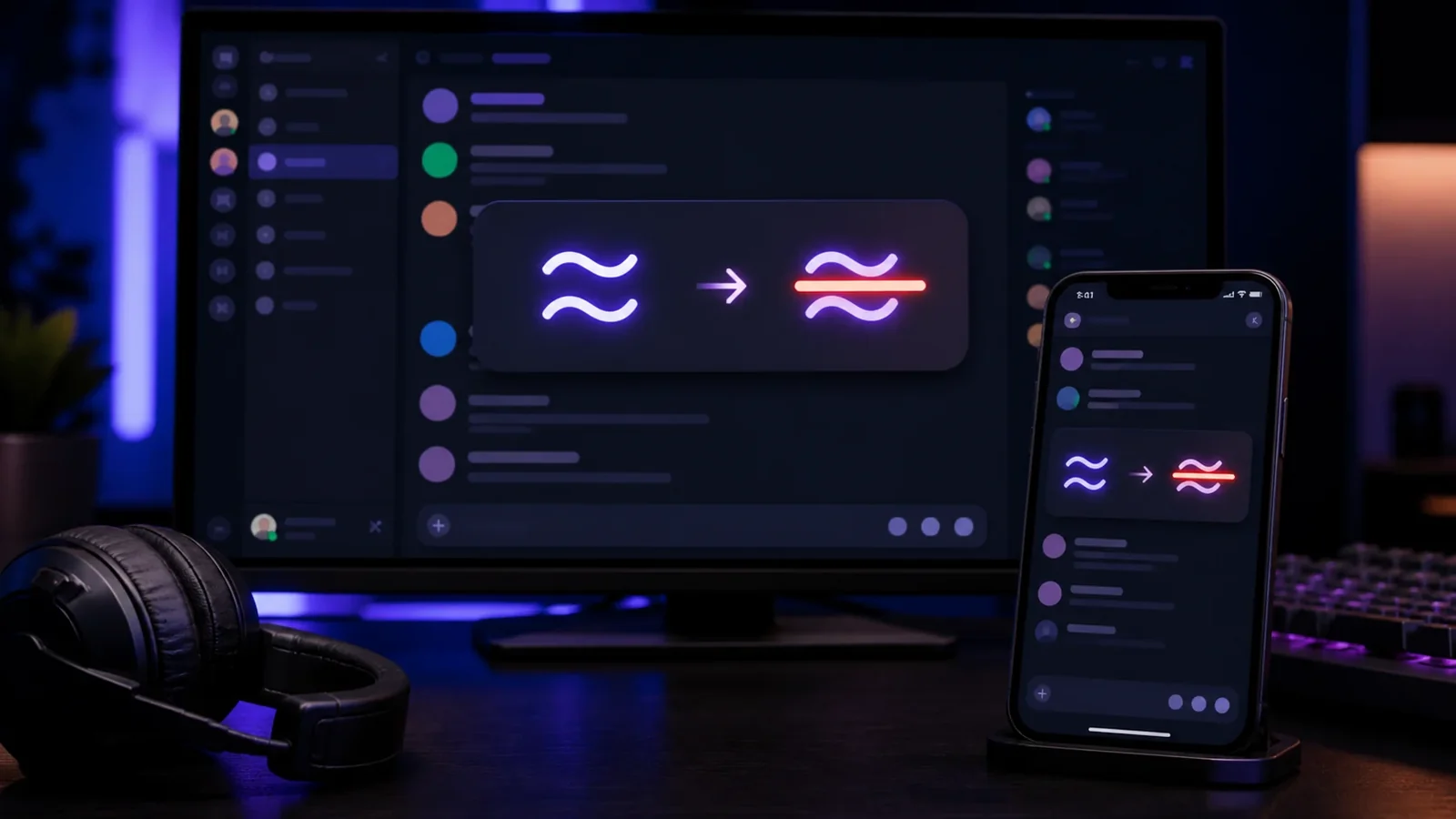
Discord crosses out text when you wrap it in double tildes. Typing ~~this~~ in any channel or direct message sends the words with a line through them. It works on desktop, the web app, and mobile.
This is the fastest method for a normal message and it is the one most Discord users expect to see.
Strikethrough versus spoilers
People often reach for strikethrough to hide a punchline, but Discord also has a dedicated spoiler tag using double bars, like ||hidden||. Strikethrough keeps the text visible with a line through it, while a spoiler blurs it until clicked. Choose based on whether you want the reader to see the words at a glance.
When the generator helps
Markdown strikethrough only exists inside Discord. If you want to set a crossed out nickname, post the effect somewhere Markdown is ignored, or use a slash or tilde overlay style, paste Unicode strikethrough from the generator instead. The line becomes part of the characters, so it survives outside Discord too.
Crossed out nicknames and status
Server nicknames and custom status text do not process Markdown, so double tildes will simply appear as literal characters. To get a struck nickname, generate the Unicode version, copy it, and paste it into the nickname field.
Frequently Asked Questions
Wrap your text in double tildes, like ~~text~~. Single tildes will not trigger it in Discord.
Yes. You can nest Markdown, for example ~~**text**~~ for bold and struck at once.
Nicknames do not process Markdown. Paste Unicode strikethrough from the generator to get the effect there.
Yes. You can create and paste it on Android, iPhone, tablets, and desktop devices without installing a special font.
Yes. Unicode combining marks travel with the letters, although an older app or unsupported font may render them differently.
Use it sparingly, keep the phrase short, and provide the intended meaning in nearby plain text because screen readers may not announce the visual line.