Why Instagram needs a generator
Instagram treats bios, captions, and comments as plain text. There is no bold, italic, or strikethrough button anywhere in the app. The only way to cross out words is to use characters that already carry the line, which is exactly what the generator produces.
Adding strikethrough to your bio
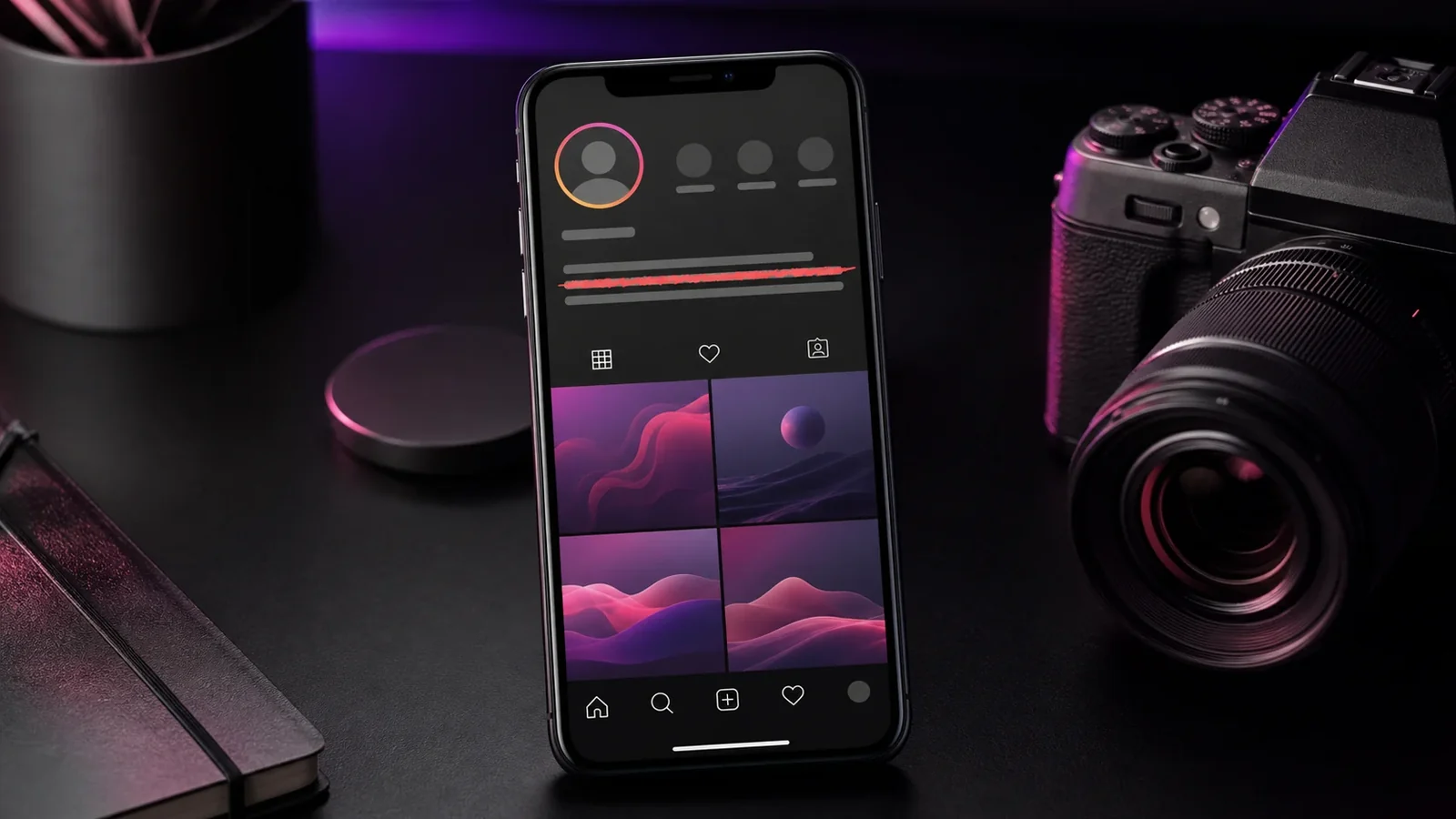
Open the generator, type the words you want to cross out, and copy the strikethrough style. Then edit your Instagram profile, tap into the bio field, and paste. Save your changes and the crossed out text appears on your profile.
This is popular for showing an old handle next to a new one, or a former price next to a current offer.
Captions and comments
The same paste method works for captions when you create a post and for comments on other people's posts. Because the effect is part of the text, it stays intact after you publish.
Keep it readable
A struck word or two reads clearly, but a long run of crossed out text can be hard to scan on a small screen. Use it for emphasis rather than for whole sentences, and preview the post before sharing.
Frequently Asked Questions
No. Instagram has no text formatting controls, so you must paste Unicode strikethrough from a generator.
Yes, in most cases. Paste it into the bio field and save. If any characters display oddly, try a shorter phrase or a different style.
Yes. Paste the generated text into a direct message and it sends like normal text.
Yes. You can create and paste it on Android, iPhone, tablets, and desktop devices without installing a special font.
Yes. Unicode combining marks travel with the letters, although an older app or unsupported font may render them differently.
Use it sparingly, keep the phrase short, and provide the intended meaning in nearby plain text because screen readers may not announce the visual line.